Lookbook.im for online stores and marketplace sellers
AI model photos for your store, four shots from one garment photo
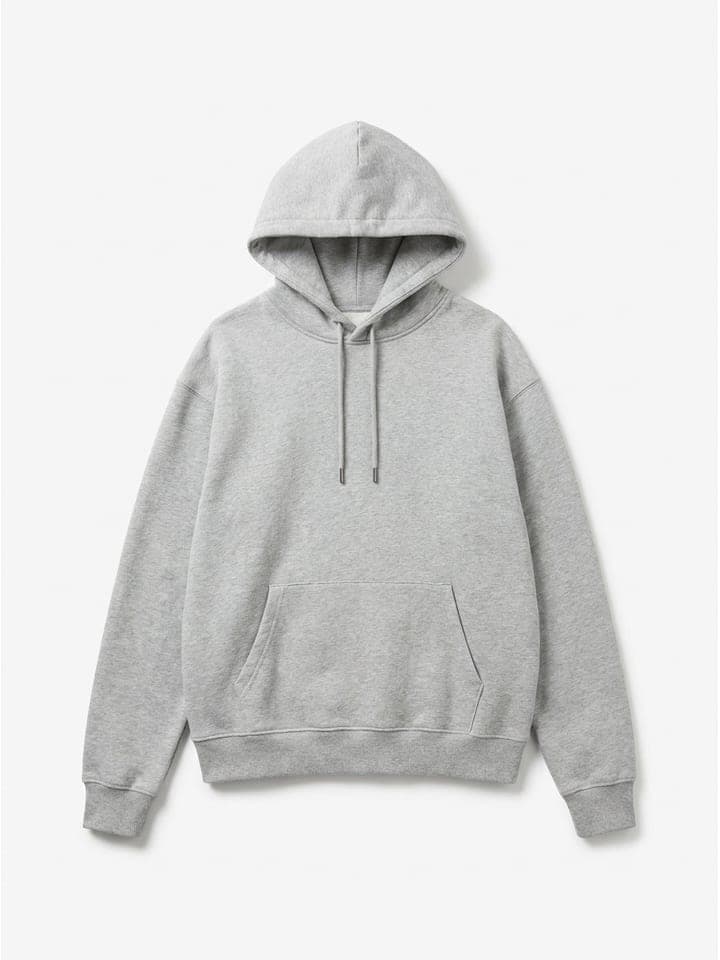
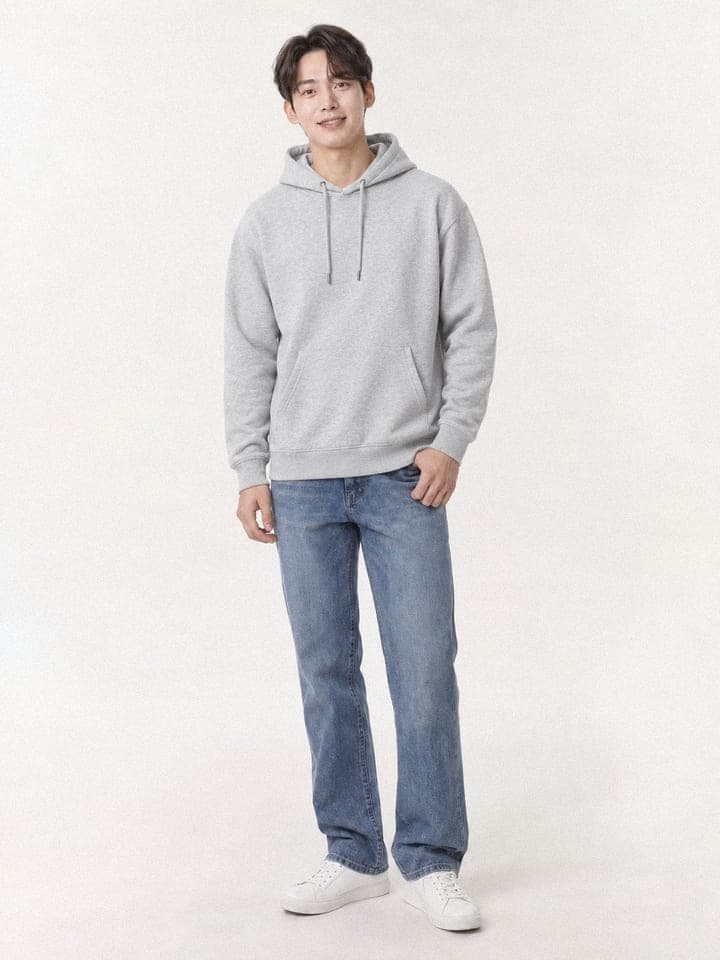
Upload a garment photo and get a front shot on an AI model first. Then the same model and background continue with side, upper-body (lower-body for bottoms) and walking shots. No model booking, no studio.
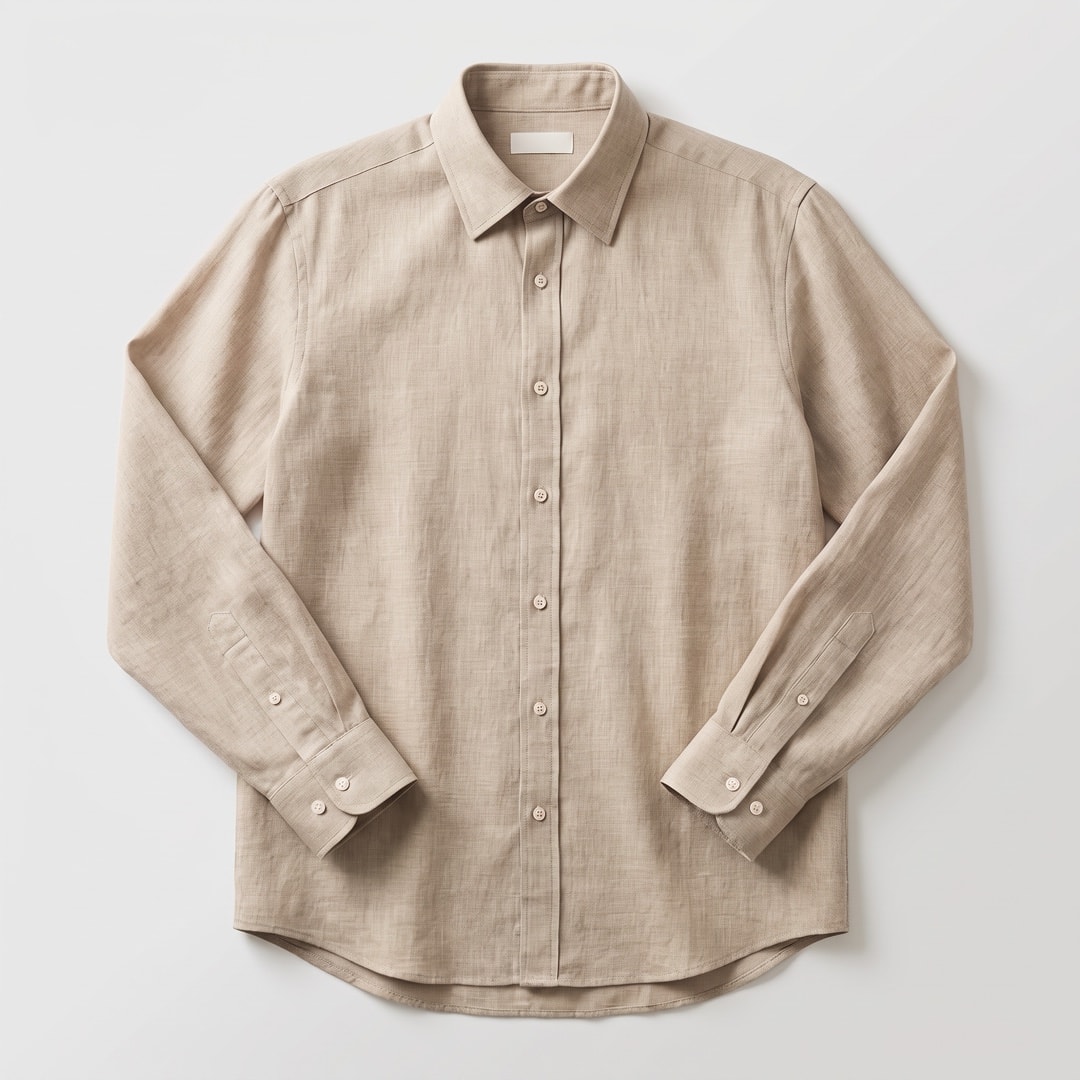
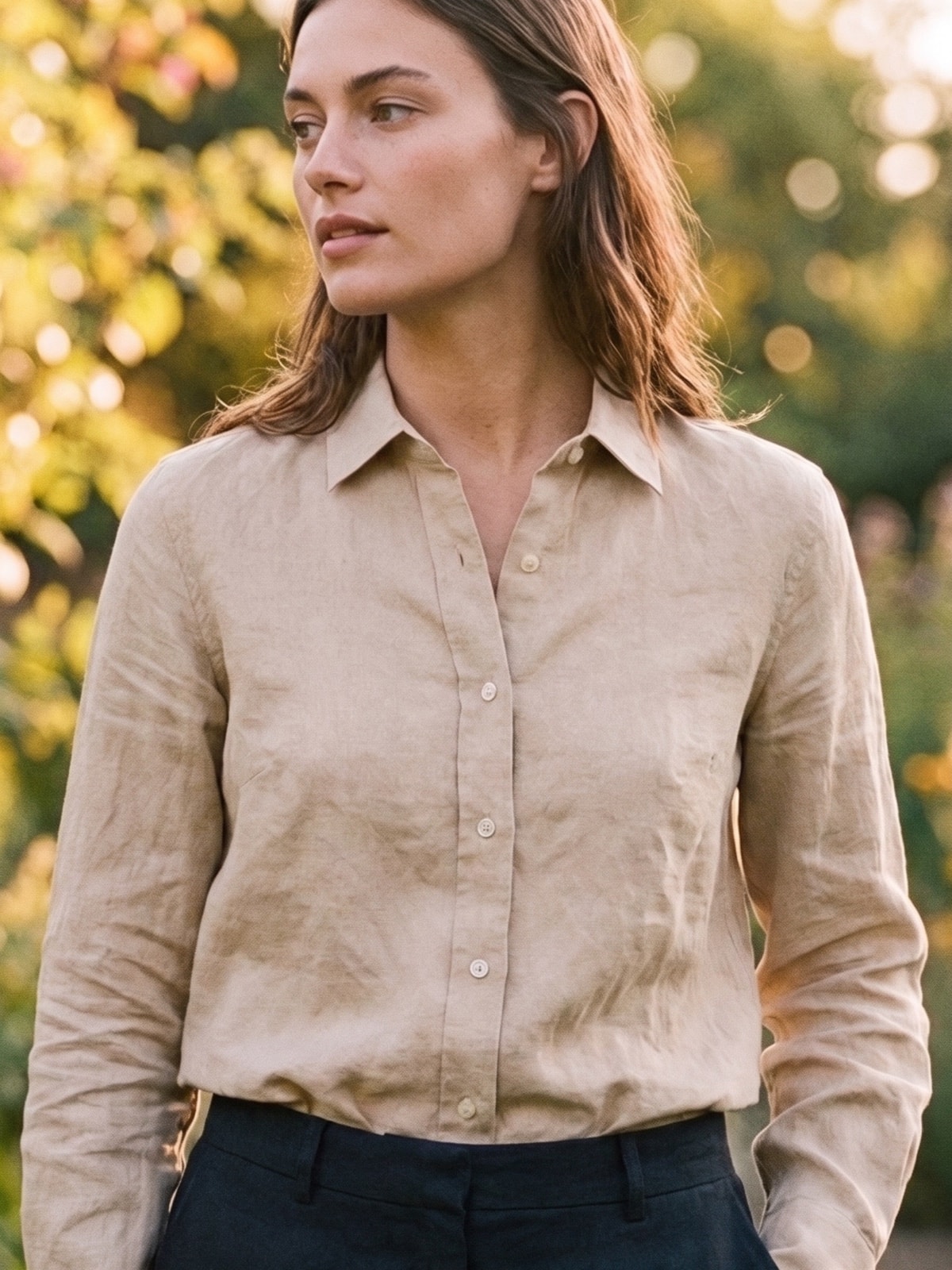
One garment, four shots, same model and background
Every photo below was made with Lookbook.im. Placed in order on a product page, they walk the shopper around the item.
Garment photo
Front
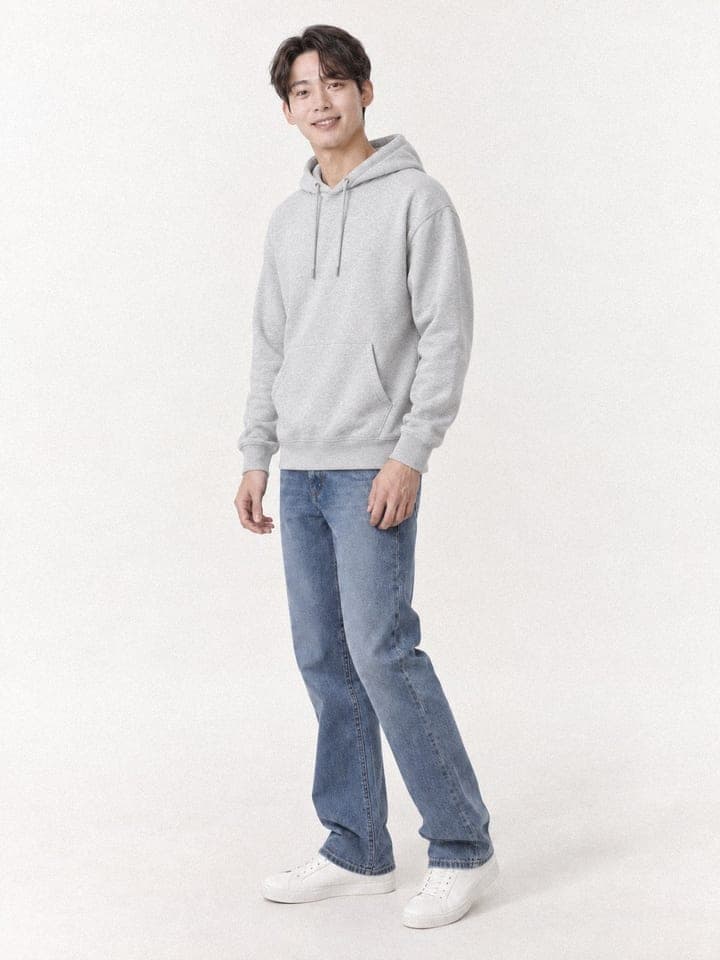
Side
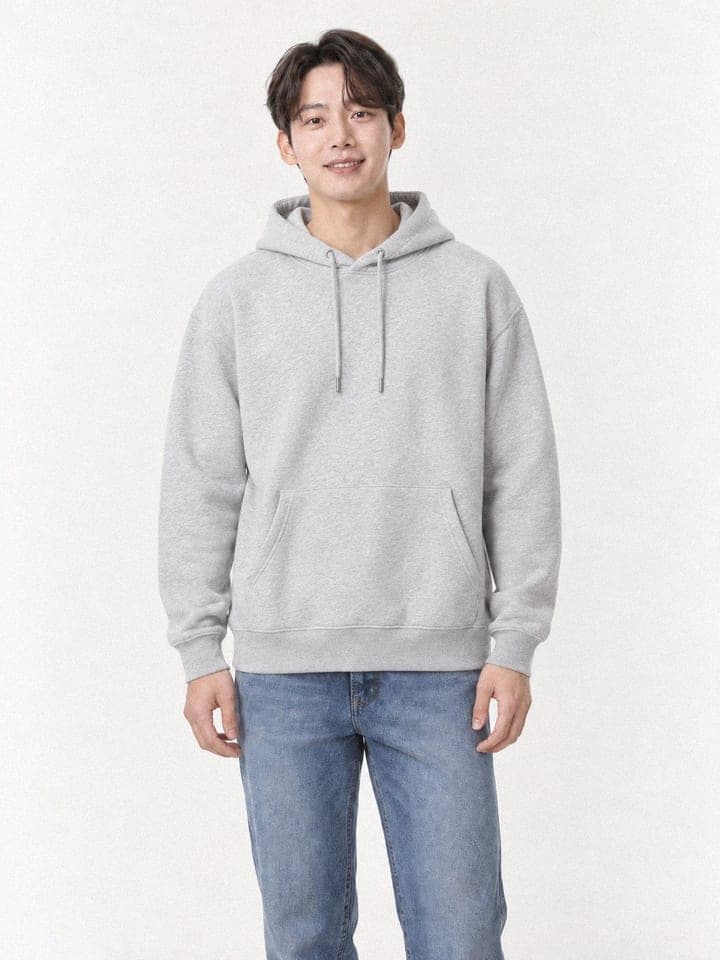
Upper body
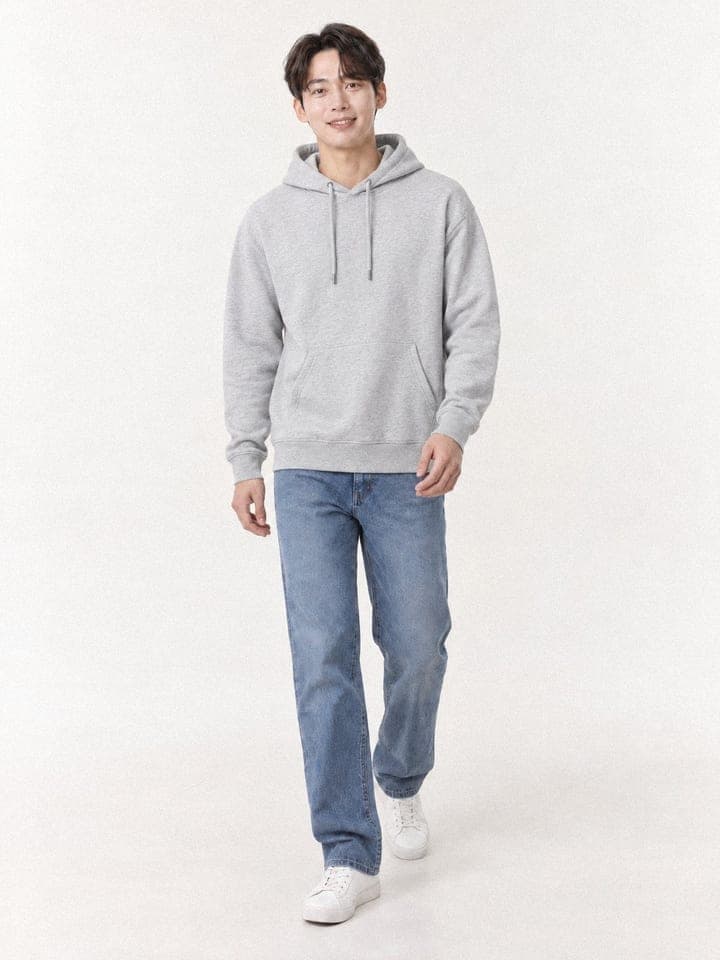
Walking
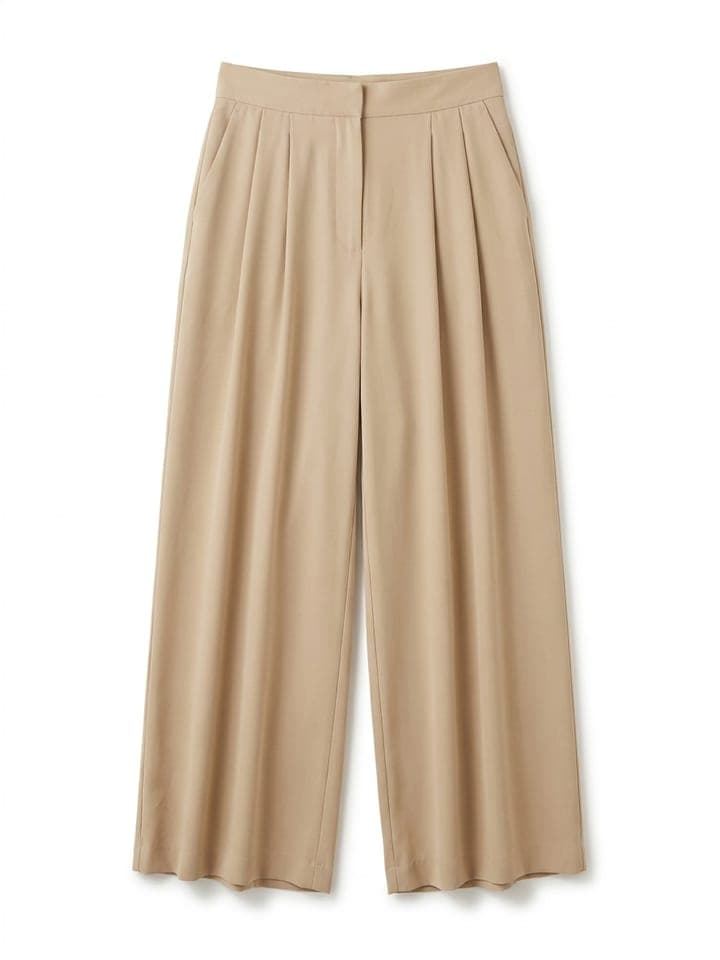
Garment photo
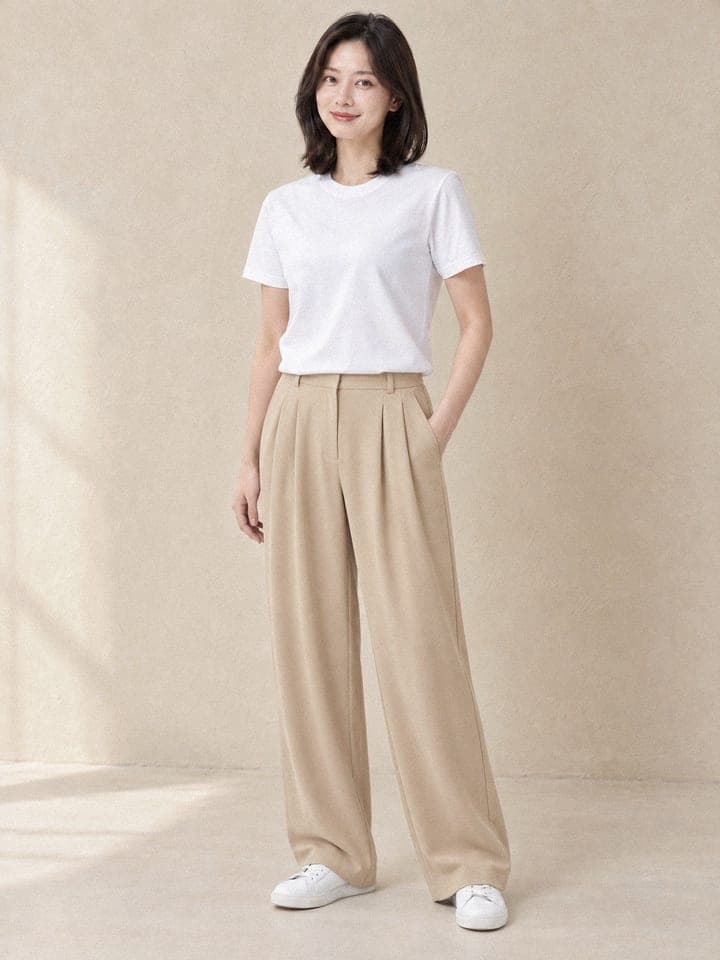
Front
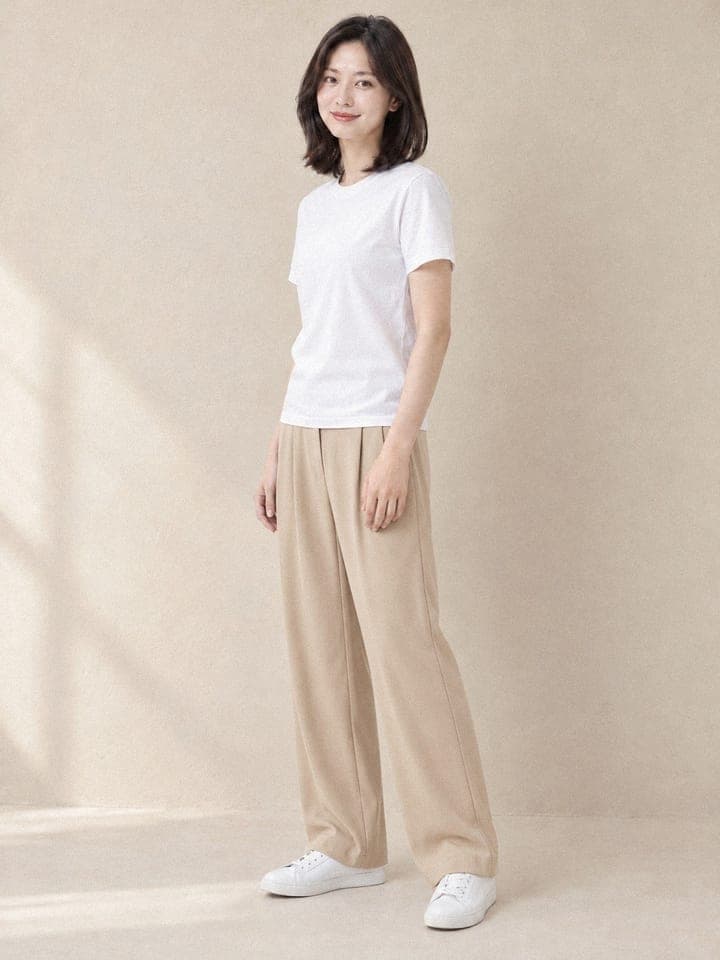
Side
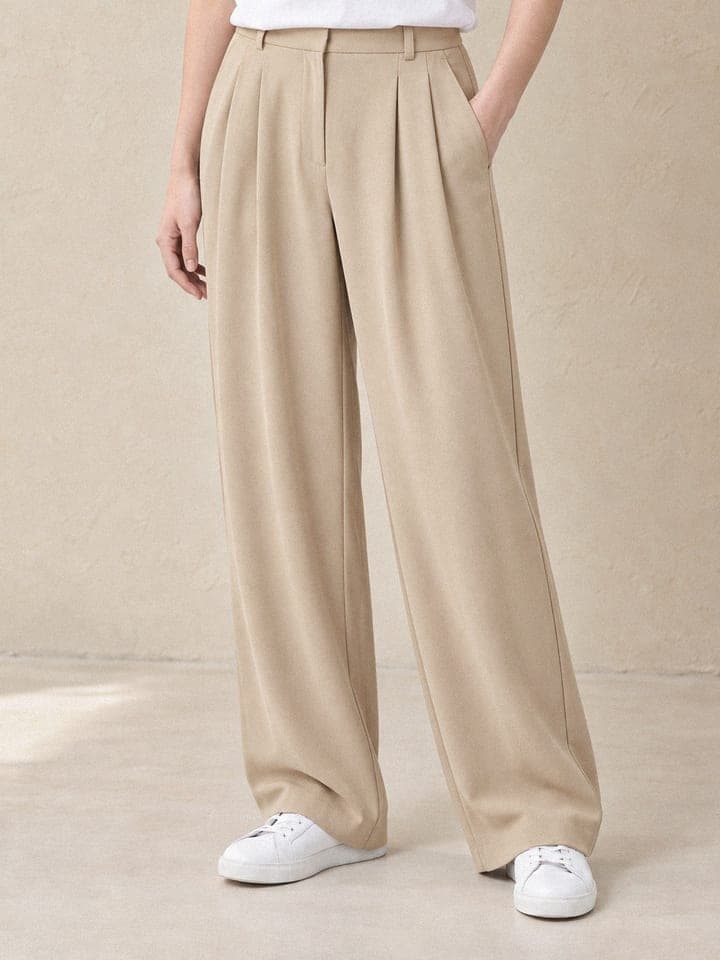
Lower body
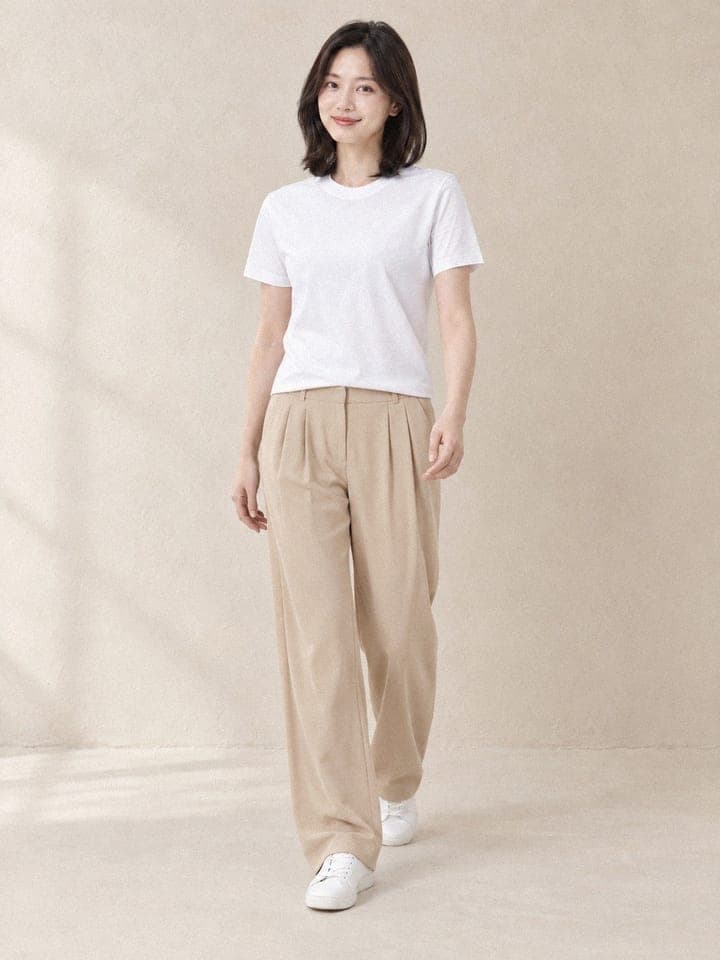
Walking
The example garments are AI-made samples too, not products for sale.
Traditional product photography is expensive
Model fees, studio rentals, photographer costs, and weeks of waiting. For many e-commerce businesses, professional model photography is out of reach.
Product pages that look consistent
No more pages where every product was shot on a different day, with a different model and light.
No model booking
Pick one of three house AI models, or use a model photo you choose.
No studio
Choose from 8 backgrounds, including a white studio, plaster walls, paper backdrops and an outdoor wall.
Same model, same background
All four shots of a product share the model and background, so your pages stay on one tone.
Quick to check
Under a minute per image. Move on to the set only when you like the front shot.
Check these before you upload
An AI model photo that differs from the real garment comes back as returns and questions. These are the checks we use on our own results.
Color
Put it next to the garment photo and zoom in on the same area to compare.
Length and fit
Check where sleeves, hems and trouser legs end, and whether the silhouette matches.
Logos and text
Always zoom in on prints and lettering. This is where mistakes happen most.
Closures
Match the number and position of buttons and zips, and whether outerwear is open or closed, with your description.
AI labels
Some marketplaces require a label on AI-made or AI-edited product images (Naver Smart Store in Korea has since July 2026, as reported). Check your seller center before uploading.
Cost and time
- 26 credits for a standard image (1152×1536), 32 credits for a high-quality image (1536×2048)
- 104 credits for a four-shot set in standard quality
- Under a minute per image; the other three shots are made at the same time, so a set takes under two minutes
- New accounts get 300 credits once
Who it suits
Marketplace sellers
Sellers on large marketplaces with many products and frequent new arrivals.
Your own store
Brands on Shopify or their own store that want one tone across product pages.
Sellers with weekly new arrivals
When new stock arrives every week and has to go live without a photoshoot.
Fashion brands
To see how a garment looks on a model before the real shoot for a seasonal launch.
From a garment photo to a four-shot set in four steps
Upload a garment photo
A flat lay or a hanger shot works. Keep the whole garment in the frame.
Pick a model and background
Choose one of three house models or your own model photo, then a background.
Front shot first
Check color, length and fit on one front shot first.
Complete the set
Add side, upper-body (lower-body for bottoms) and walking shots with the same model and background, and download them as one ZIP.
Ready to transform your product photography?
New accounts get 300 free credits once at sign-up. No credit card required.
Start Creating for FreeReady to transform your content?
Upload a garment photo and see it on a model.
- No credit card required
- 300 free credits at sign-up