How Small Brands Compete with Big-Budget Visual Quality
How independent fashion brands can achieve the same visual quality as major retailers — without the six-figure photography budget. A practical playbook using AI.
The Quality Gap Has Quietly Collapsed
Open any major fashion retailer's website — Zara, H&M, ASOS — and you'll see crisp model photography, consistent styling, diverse representation, and a polished visual identity across hundreds of products.
Now open a typical small brand's store. You'll often find a mix of supplier flat lays, inconsistent lighting, maybe a few model shots from that one shoot three months ago. Not because the products are worse — but because the content production budget is 100x smaller.
This gap used to be insurmountable. It no longer is.
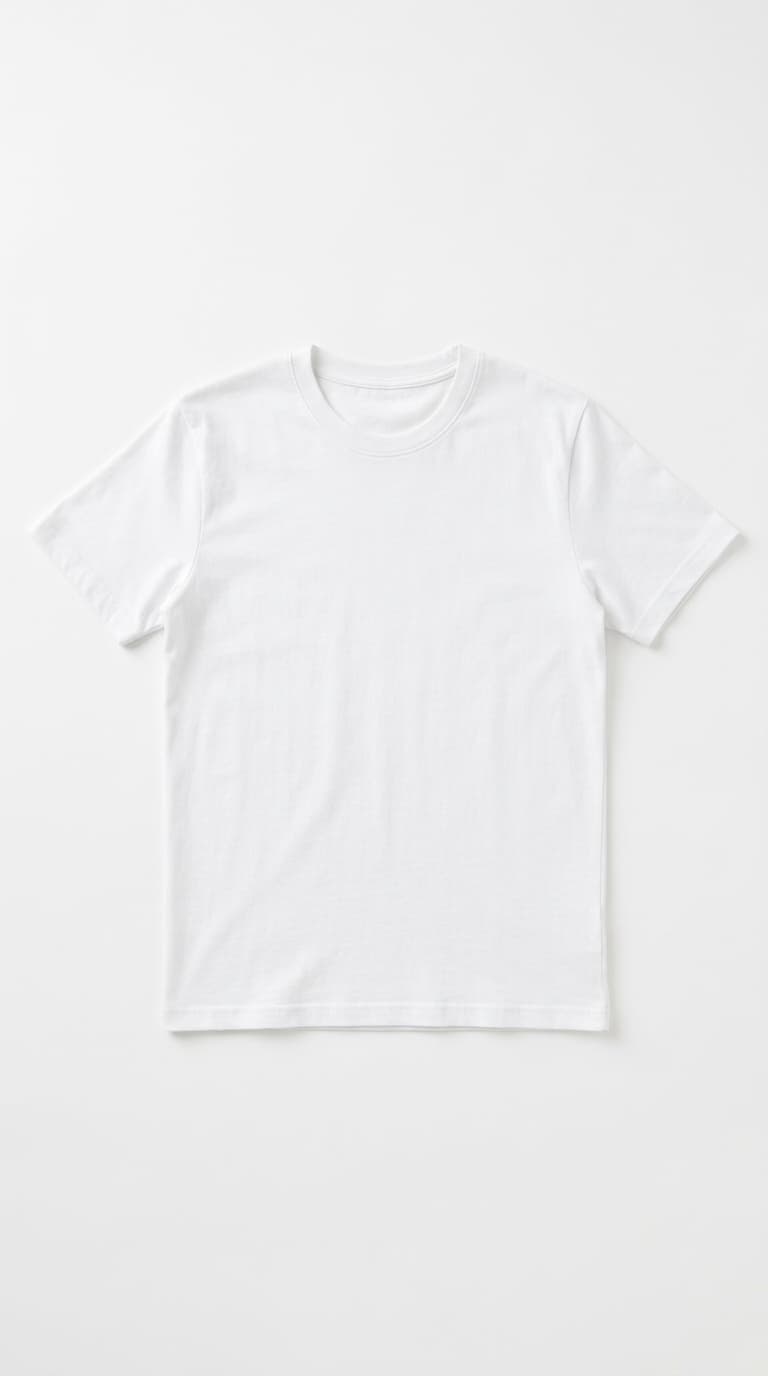
Before: Flat lay product photo

After: AI-generated model shot
Why the Gap Used to Be Insurmountable
Until very recently, visual quality at scale was a question of fixed costs. Studios, gear, model retainers, retouchers — none of those scaled down gracefully. A boutique with 30 SKUs paid roughly the same per-shoot rate as a brand with 300 SKUs, which meant the per-image cost for small brands was punitively high.
That economics shaped what you saw on small storefronts: one shoot per season, the same three or four hero looks, supplier flat lays filling the rest. The result wasn't lazy — it was the only thing the math allowed. The big brands didn't have better taste, they had better unit economics.
AI photography rewrites that math. The per-image cost of a Pro HD on-model shot is now under a dollar. The fixed cost of a studio is replaced by a flat tool subscription. A brand with 30 SKUs and a brand with 300 SKUs pay almost the same per image — small brands finally get the marginal economics that used to be reserved for retailers running mass production.
The Three Things Customers Notice
Customers don't run a side-by-side audit of your storefront against Zara's. They form an impression in under three seconds based on three specific visual signals:
- Consistency — Does every product page feel like it belongs to the same brand? Same lighting, same crop, same posing style. Inconsistency reads as "amateur" instantly.
- Variety — Do they see the product on more than one angle, more than one model? Lack of variety reads as "one-shot brand."
- Production polish — Crisp focus, even lighting, no obvious mistakes. The bar is "doesn't look DIY" — not "looks like Vogue."
All three are achievable today with a workflow that costs the same as one dinner for two. The third is the easiest — AI generates polished output by default. The first two are where intentional choices matter, and the playbook below covers exactly that.
What Big Brands Spend on Visuals
A mid-to-large fashion brand typically maintains:
- An in-house creative team (photographer, stylist, retoucher)
- Regular studio access or an owned studio space
- A roster of models on retainer
- Post-production workflows with dedicated software and staff
Annual visual content budgets can easily reach six to seven figures. That's not counting the overhead of managing schedules, logistics, and creative direction.
What Small Brands Actually Need
Here's the thing — you don't need all of that. You need the output, not the infrastructure. Specifically:
- Professional model shots for every product
- Consistent visual style across your catalog
- Diverse model representation
- Fast turnaround for new arrivals
- Multiple formats: product pages, social media, ads
AI delivers exactly this — without the team, the studio, or the six-figure budget.
The Playbook: Premium Visuals on a Starter Budget
1. Establish Your Visual Identity First
Before generating a single image, decide on your brand's visual language:
- Background mood: Clean studio? Urban street? Warm interior?
- Model profile: What look represents your customer?
- Color tone: Warm and inviting? Cool and minimal?
Create one custom background and select 2–3 models that match this identity. Use them consistently across your entire catalog. This single decision does more for "looking like a real brand" than any amount of polish on individual images.
2. Use the Wardrobe for Efficiency
Upload your garments once and save them to your Wardrobe. When new models or backgrounds are added, regenerate looks without re-uploading. This compounds your investment over time — each season your library gets richer, not your workload heavier.
3. Quality Tiers for Different Purposes
Not every image needs to be 4K. Use a tiered approach:
- Flash+ (20 credits): Social media posts, quick tests, internal reviews
- Pro HD (35 credits): Product detail pages, marketplace listings
- Pro Ultra 4K (70 credits): Hero banners, print materials, ad campaigns
This way, your monthly credits go further and you're investing premium quality where it matters most. The default mistake is to use Pro Ultra 4K for everything, which burns the budget without lifting conversion on display sizes where the difference is invisible.
4. Show Diversity Without Extra Cost
Generate the same outfit on 3 different models. This isn't just inclusive — it's a proven conversion strategy. Shoppers who can see how a garment looks on someone similar to them are significantly more likely to purchase and less likely to return. For small brands, this is the single highest-ROI lever AI unlocks — it's literally impossible to do affordably any other way.
5. Refresh Visuals Seasonally
Big brands reshoot every season. You can too — just swap your background to match the season (beach for summer, cozy interior for winter) and regenerate your catalog. Same products, fresh look, zero reshoot cost.
Real Indie Brand Scenarios
The playbook plays out a bit differently depending on team size and catalog scale.
Solo founder, 15 SKUs (Etsy + Shopify)
Pick one model and one background. Generate 3 variations per SKU at Pro HD. Total monthly credit spend: under $50. Time investment: roughly half a day per month after the initial setup. Result: a catalog that visually outperforms 90% of Etsy peers.
Two-founder DTC, 40-80 SKUs
One person owns visual direction (model selection, background choice, brand voice in copy), the other owns the operational pipeline (uploads, generation, publishing). Run a quarterly refresh on backgrounds, keep models stable across the year. Monthly credit spend: $150–$300. Conversion comparable to mid-tier brands with five-figure creative budgets.
Boutique with 200 SKUs and a part-time photographer
Reassign the photographer to creative direction and brand campaign work. AI handles the catalog volume. Monthly credit spend: $400–$700. Photographer ROI: same person now drives campaign content and seasonal stories instead of producing baseline PDP shots, which is where their judgment actually adds value.
Common Beginner Mistakes
- Switching models every few SKUs. Inconsistent model selection is the single most common giveaway that a brand is small. Pick 2–3 and stick with them across the whole catalog.
- Using too many backgrounds. A different background per SKU reads as templated, not curated. Keep the count below 5 for a 50-SKU collection.
- Over-editing generated output. AI photos rarely need retouching. Heavy filters or HDR tend to make them look worse, not better.
- Treating it like a one-time setup. The brands that win review their visual output monthly — what's converting, what's not, what needs a refresh.
- Skipping the preview step. Always run a Flash+ test before committing a batch to Pro HD. Two minutes of preview saves an hour of regeneration.
Cost Comparison: Old Way vs New Way
For a brand running 40 SKUs with 5 images each (200 images per season):
| Item | Traditional | AI workflow |
|---|---|---|
| Photographer half-day | $800 | $0 |
| Model fees (2 models, 1 day) | $2,000 | $0 |
| Studio rental (1 day) | $600 | $0 |
| Retouching (200 images × $15) | $3,000 | $0 |
| AI generation (200 × Pro HD) | $0 | ~$170 |
| Per-season total | $6,400 | $170 |
| Turnaround | 3–6 weeks | 1–2 days |
The annual savings at four seasons per year: roughly $25,000. For a small brand, that's the difference between "we'd love to hire a marketing person someday" and "we're hiring next month."
FAQ
What's the realistic monthly budget to look like a "real brand"?
$50–$300 in AI credit spend covers most small brands fully. The variable is catalog size and refresh cadence, not visual quality — quality is roughly constant across budgets above $50/month.
How do I avoid looking templated when I'm reusing the same models?
Vary pose and background — keep the model and the styling consistent. Customers track the brand through faces and lighting; they don't notice the same person across the catalog as long as the pose and context shift.
Will customers know the photos are AI?
On product detail pages at standard PDP zoom, no — modern AI fashion photography is indistinguishable to non-experts. The brands that get called out are the ones using obviously over-stylized or generic AI aesthetics, not the ones using AI as a clean replacement for studio shots.
Should I disclose that I use AI photography?
Most brands don't, and there's no regulation requiring it for product imagery as of 2026. Some sustainability-positioned brands lean into it (lower environmental footprint, no fly-in models). Test what resonates with your specific audience.
What if I already have a small library of real photos?
Keep them. Use them for hero banners and campaign visuals where they shine. Layer AI underneath for catalog volume. The combination usually beats either approach alone.
How to Run This Playbook
- Establish brand visual identity — pick background mood, model profile, and color tone before generating anything.
- Build a custom background that fits your aesthetic — upload a location photo or generate one from a description.
- Pick 2–3 model archetypes and commit to using them consistently across the catalog.
- Upload garments to your Wardrobe so they're reusable across future generations.
- Apply quality tiers strategically — Flash+ for social, Pro HD for PDPs, Pro Ultra 4K only for hero and print.
- Generate diverse model variants for each SKU to lift conversion and reduce returns.
- Refresh backgrounds seasonally instead of re-shooting from scratch.
The Bottom Line
The quality gap between a $10,000/month content operation and a $50/month AI-powered workflow has collapsed. The difference is no longer visible to the customer scrolling through their feed.
What remains different is creative direction — knowing what looks good, what matches your brand, and what resonates with your audience. That's the part that's uniquely yours. Let AI handle the production.
You don't need a bigger budget to look like a bigger brand. You need a smarter workflow.
Ready to create your own lookbook?
Turn flat lay photos into professional model shots in minutes. No photoshoot needed.
Try it freeTags
- small business
- brand building
- visual quality
- AI photography
- budget
Related Articles

Lookbook Photography Cost Breakdown: Traditional Studio vs AI
A detailed cost comparison between traditional studio lookbook photography and AI-generated fashion images. 10 garments, 50 images: $5,000 vs $50.

How to Build Your Brand Mood with Custom Backgrounds
Learn how to use Lookbook's custom background feature to create a consistent brand mood across your entire collection — using uploaded photos, AI generation, or curated presets.

From Flat Lay to Storefront: AI Product Photos in a Day
A step-by-step guide to turning flat lay product photos into a full lookbook in a single day using AI. Real workflow, real numbers — 150+ images in 5 hours.
Ready to transform your content?
Upload a garment photo and see it on a model.
- No credit card required
- 300 free credits at sign-up